
Lumber Tycoon 2 Wiki
Lumber Tycoon 2 is Defaultio’s landmark Roblox tycoon — Place ID 13822889, 1.3B+ visits — where you chop trees, mill planks, sell wood, claim land, and build a base that looks like a factory, a mansion, or a wiring lab. This unofficial wiki gathers accurate progression advice, value tables, event notes, and honest warnings (including the fact that promo codes do not exist) so you spend time in Lumberland instead of on scam tabs.
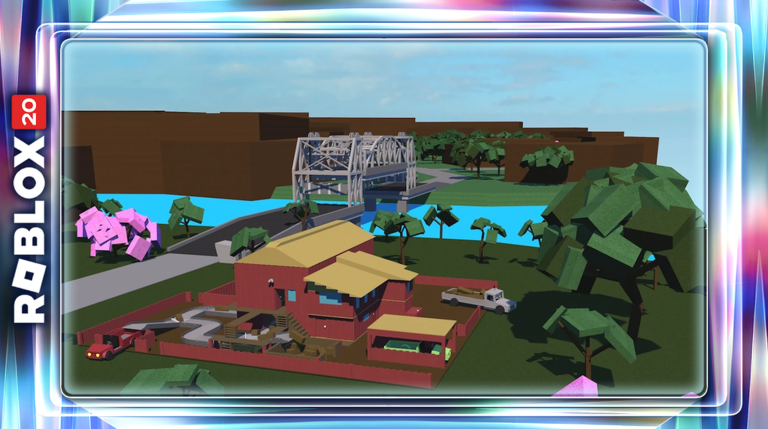
Lumberland Hub
Jump into the guides players search for
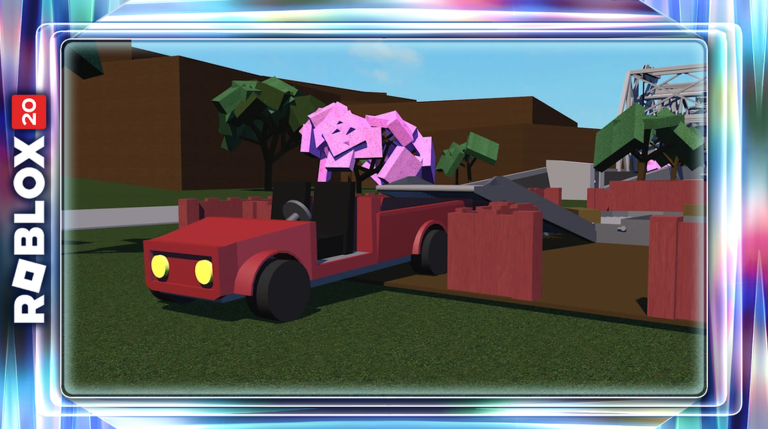
Getting Started
Basic Hatchet → land sign → Hardened Axe.

Tier List
Rank every axe from hatchet to End Times.
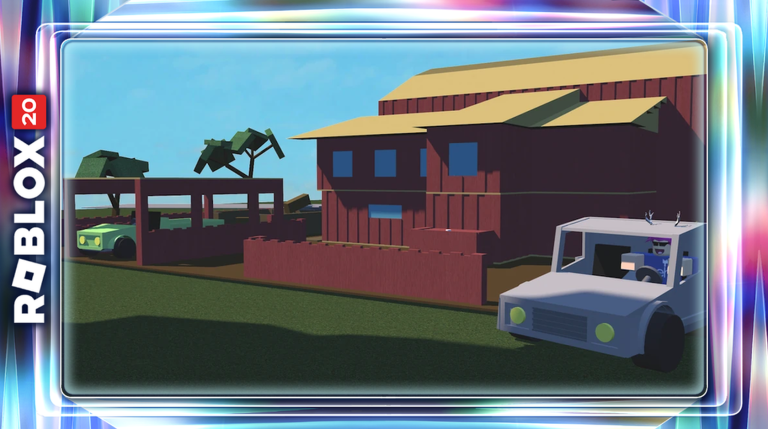
Woods
Oak to Phantom plank values and routes.
Scripts
Hub loadstrings with clear risk warnings.
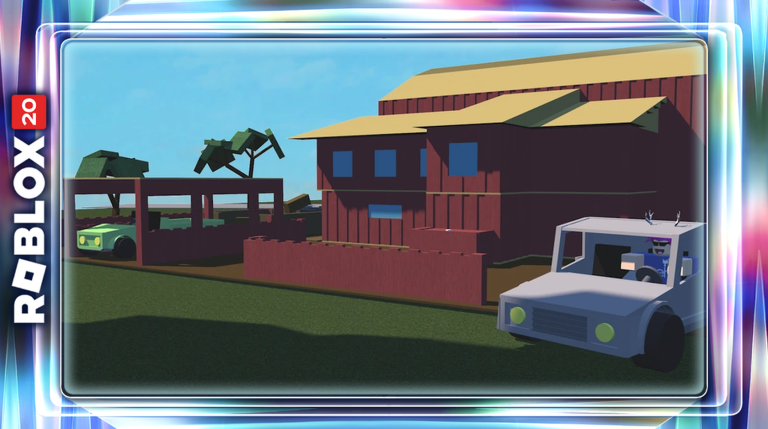
Frost Wood
Dynamite, Taiga Peak, high-value Frost runs.
Events
Hunt Geck badge and Logic shop updates.
Trading
Values, etiquette, and scam-safe trades.
What Is Lumber Tycoon 2?
Created by Defaultio (Josh Sheldon), Lumber Tycoon 2 asks a simple question with deep answers: what if a Roblox tycoon took physics, property, and player markets seriously? You buy a Basic Hatchet for $12 at Wood R Us, discover that planks out-earn logs, purchase a plot at Yes! — It's the Land Store, sell the default sign for about $400, and eventually chase Frost planks near $106 or Phantom near $420.
There is no hand-holding campaign. Updates appear in Menu → Changelog. There is no official Defaultio Trello for LT2, and there has never been a promo codes system. Rewards come from chopping, quests like Rukiryaxe, seasonal drops, Hunt tasks, and trading limited axes such as Fire, Frost, Gingerbread, Many, and End Times.
If you want a critical overview before committing evenings, read the Lumber Tycoon 2 review. If you want to play in the next five minutes, jump to getting started.
Start Here — Getting Started
New lumberjacks should follow a tight spine:
- Buy the Basic Hatchet and mill Oak.
- Claim land and sell the Sold sign.
- Add a Utility Vehicle plus Shabby/Fair Sawmill.
- Rush Hardened Axe ($550), then Silver ($2,040).
- Learn biomes via the map guide and values via woods.
Hauling skill matters as much as axe tier. The controls page covers PC (WASD, Space, left click chop, click-drag grab, Shift+WASD rotate, E interact, Backspace drop axe) and Xbox (left stick, A jump, RT swing, LT+stick rotate).
Codes — Read This Before Scam Sites
Search engines overflow with fake Lumber Tycoon 2 codes lists. The wiki status is unambiguous: no working promo codes, no redeem UI, no reason to type strings into third-party forms. Bookmark the codes page for the scam checklist and for productive alternatives that actually pay — land sign cash, axe breakpoints, and event badges.
Axes and Woods — Your Economy
Open the axe tier list for D-through-S rankings: Basic and Plain (D), Steel (C), Hardened (B), Silver (A), Rukiryaxe (S ~4.2 DPS), plus limited roles for Fire, Frost, Gingerbread, Many, and End Times (Phantom gate).
Pair that with wood types and plank values: Oak ~$10, Birch ~$15, Cherry ~$10.5, Walnut ~$11, Elm low, Gold ~$36, Lava/Volcano ~$28, Cavecrawler ~$35, Frost ~$106, Phantom ~$420, plus rare Sign Wood and seasonal Spooky/Sinister or Blue Spruce. Quick tables live in the value list tool under the tools hub.
Guides Hub — Walkthroughs
The guides hub routes you by bottleneck:
- Getting Started — first hour checklist
- Make Money — staged income ladder
- Vehicles — Utility Vehicle, trailers, snowmobile, hauling physics
- Frost Wood — Taiga Peak preparation
- Rukiryaxe — sand, bulb, worms, den plates
- Phantom Wood — End Times + Ostrich Eye / Lone Cave
- Trading — September values, etiquette, scam avoidance
- Hunt Event — Geck bin, planks tip, You Helped Geck, strange bag
- Logic Items — 2026 Link's Logic parts
- Segment Displays — 7-seg / 14-seg focus (~$3500 + ~$1200 converters)
Rukiryaxe funding reminder: Bag of Sand $1,600 at Wood R Us, Lightbulb $2,600 at Fancy Furnishings, Can of Worms $3,200 at Bob's Shack, Dynamite $220, bridge $100 — or explore the cheap trick with two sand plus lightbulb when applicable.
Map, Events, and Logic
Use the map and locations page for Wood R Us, Land Store, Bob's Shack, Volcano, Taiga, swamp, caves, and the Tropics ferry to Link's Logic. Dynamite and bridge knowledge is progression, not trivia.
The events page covers Hunt Roblox’s Geck objective (prefer high-value planks; ~10 days from Sept 17 2026), Woodbaby under Wood R Us, the boat-shop dialogue teaser (not a confirmed release), and the September 2026 Logic update: 7/14 segment displays (~$3500) and converters (~$1200), Binary to BCD, Adder, ADD3, SR Latch, BUFFER1/2/4, COUNT4/8/16, NAND/NOR/XNOR, and selectors. Builders should continue into the logic items guide and segment displays.
Scripts — Documentation With Teeth
Players ask about hubs constantly, so the scripts page documents circulating loadstrings (Kron Hub, LuaWare, LT2 Hub) and how executors are used at a high level. It also states plainly that client injection violates Roblox Terms of Use, risks malware, and can cost accounts that hold limited axes. Prefer legitimate breakpoints over cheats.
How to Use This Wiki
| Goal | Open |
|---|---|
| First session plan | Getting Started |
| Income optimization | Make Money |
| Verify codes rumors | Codes |
| Learn inputs | Controls |
| Pick upgrades | Tier List + Value List |
| Biome travel | Map |
| Seasonal / Hunt / Logic | Events |
| Trade limiteds safely | Trading |
| Trucks & trailers | Vehicles |
| Should I play? | Review |
All internal links use trailing slashes and descriptive anchor text. This site is fan-made for lumbertycoon2.wiki and is not affiliated with Defaultio or Roblox Corporation. When in doubt about a patch, trust the in-game Changelog over social media graphics.
Welcome to the yard. Sharpen the hatchet, sell the sign, and build something loud enough that ferry passengers can see your seven-segment sign from the dock.
Frequently asked questions
Who made Lumber Tycoon 2?
Defaultio (Josh Sheldon). The Roblox place ID is 13822889 and the game has more than 1.3 billion visits.
Are there any LT2 codes?
No. Lumber Tycoon 2 has never had a promo code redemption system. Avoid scam code websites.
Where do I see official updates?
In-game Menu → Changelog. There is no official Defaultio Trello board for LT2.
What should beginners buy first?
Basic Hatchet ($12), then land (sell the sign for ~$400), a vehicle, a sawmill, and the Hardened Axe ($550).
What is the best freely earnable axe?
Rukiryaxe from its Taiga den quest, at about 4.2 DPS, is the best generalist most players can earn.